Full screen
Magnifies the full display and can follow the mouse pointer, keyboard focus, text cursor, or Narrator cursor.

Windows Magnifier Controller
VisiDial is a dedicated physical controller for Microsoft Windows Magnifier. Three buttons and one rotary knob put the core controls on your desk, in your bag, and wherever life takes you.
Designed for Windows 10 and Windows 11. VisiDial controls the Magnifier already built into Windows; it does not install its own magnification software.
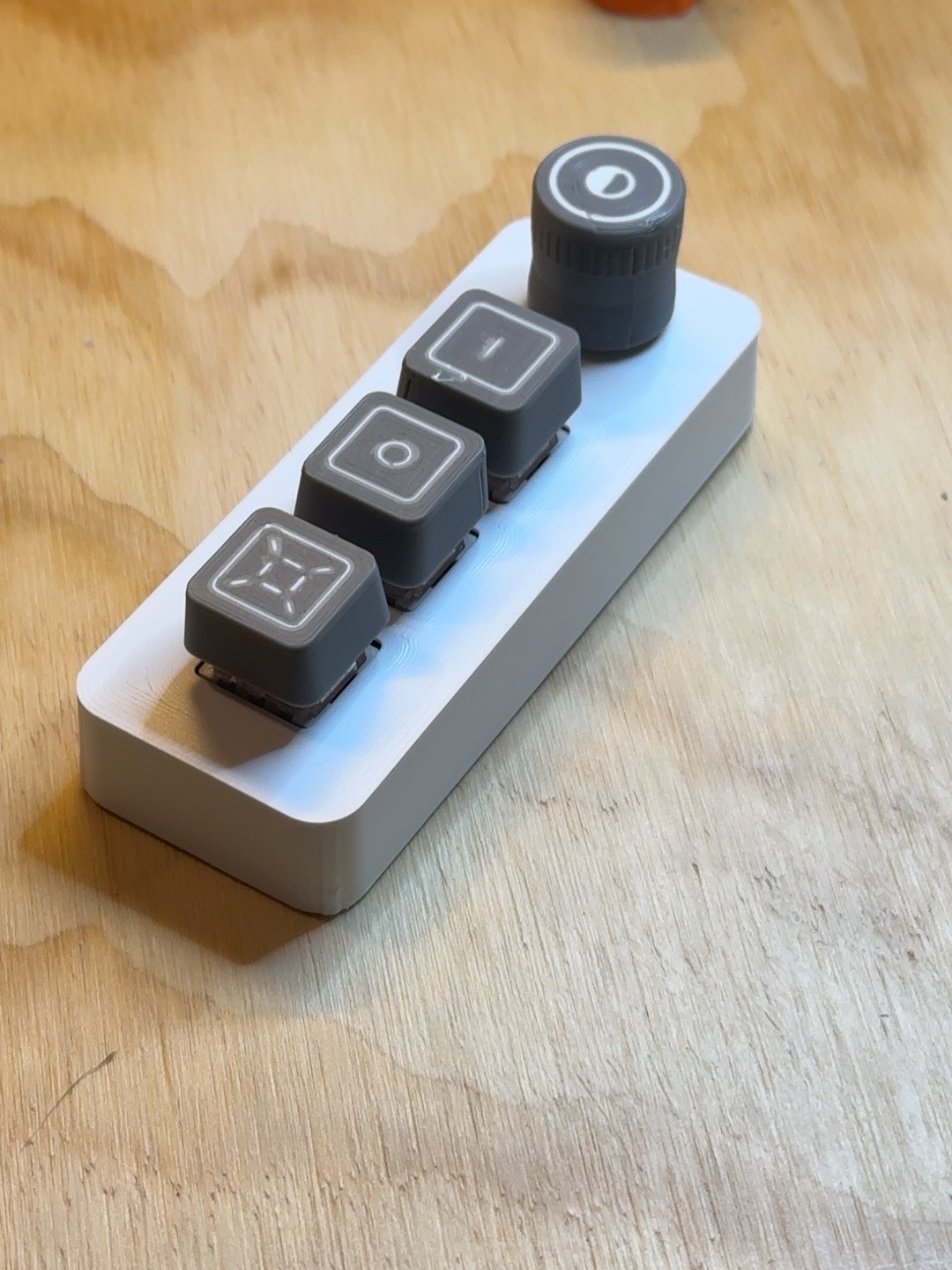
Simple physical control
VisiDial V1 is intentionally narrow in scope: it brings the Windows Magnifier functions you reach for most to a tactile controller.
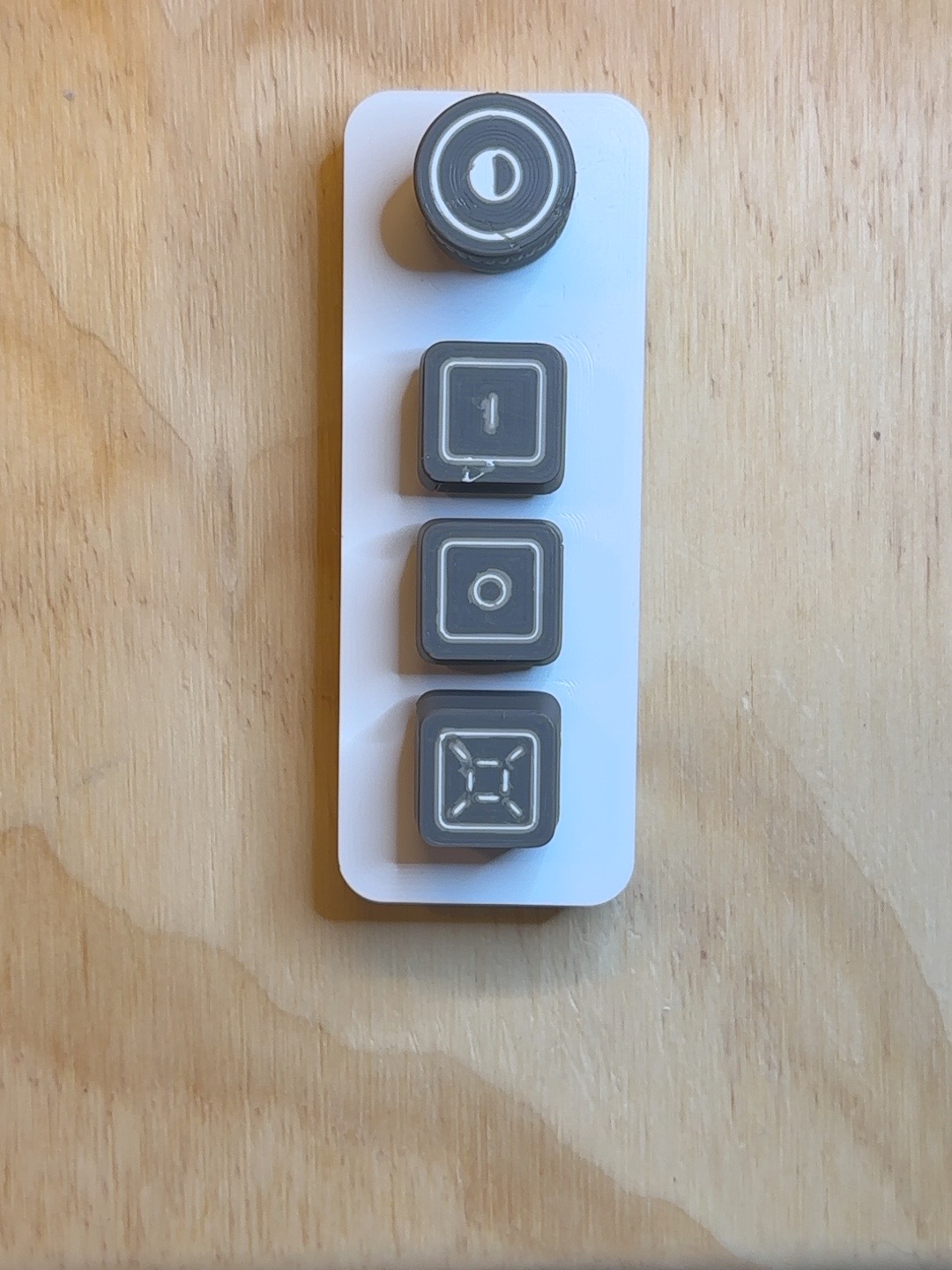
Know the built-in tool, too
VisiDial is meant to make everyday Magnifier control faster and easier. It does not replace knowing the built-in Windows shortcuts. Keeping a few shortcuts in mind gives you a useful backup when VisiDial is not connected.
Windows + +
Windows + −
Windows + Esc
Ctrl + Alt + I
Magnifies the full display and can follow the mouse pointer, keyboard focus, text cursor, or Narrator cursor.
Uses a movable magnified area instead of enlarging the entire display.
Keeps a magnified region in a fixed part of the screen while the rest of the desktop remains visible.
For Windows’ complete Magnifier instructions and shortcuts, visit Microsoft Support: Use Magnifier to make things on the screen easier to see.
Why VisiDial exists
As a low-vision computer user, I wanted a quicker, easier way to control magnification — something simple I could keep right at hand.
That idea grew into a broader accessibility project. Access is not only about getting work done; it is also about learning, creating, connecting, participating, and enjoying everyday life.
From the beginning, VisiDial has been developed with accessibility, function, form, and aesthetics considered together — not as separate priorities and not as an afterthought.
I want it to be an assistive device you can be proud to use: on your desk, in your bag, and wherever life takes you.
VisiDial was developed, assembled, and tested by me in my home shop in the United States. Every unit is personally checked before it ships.
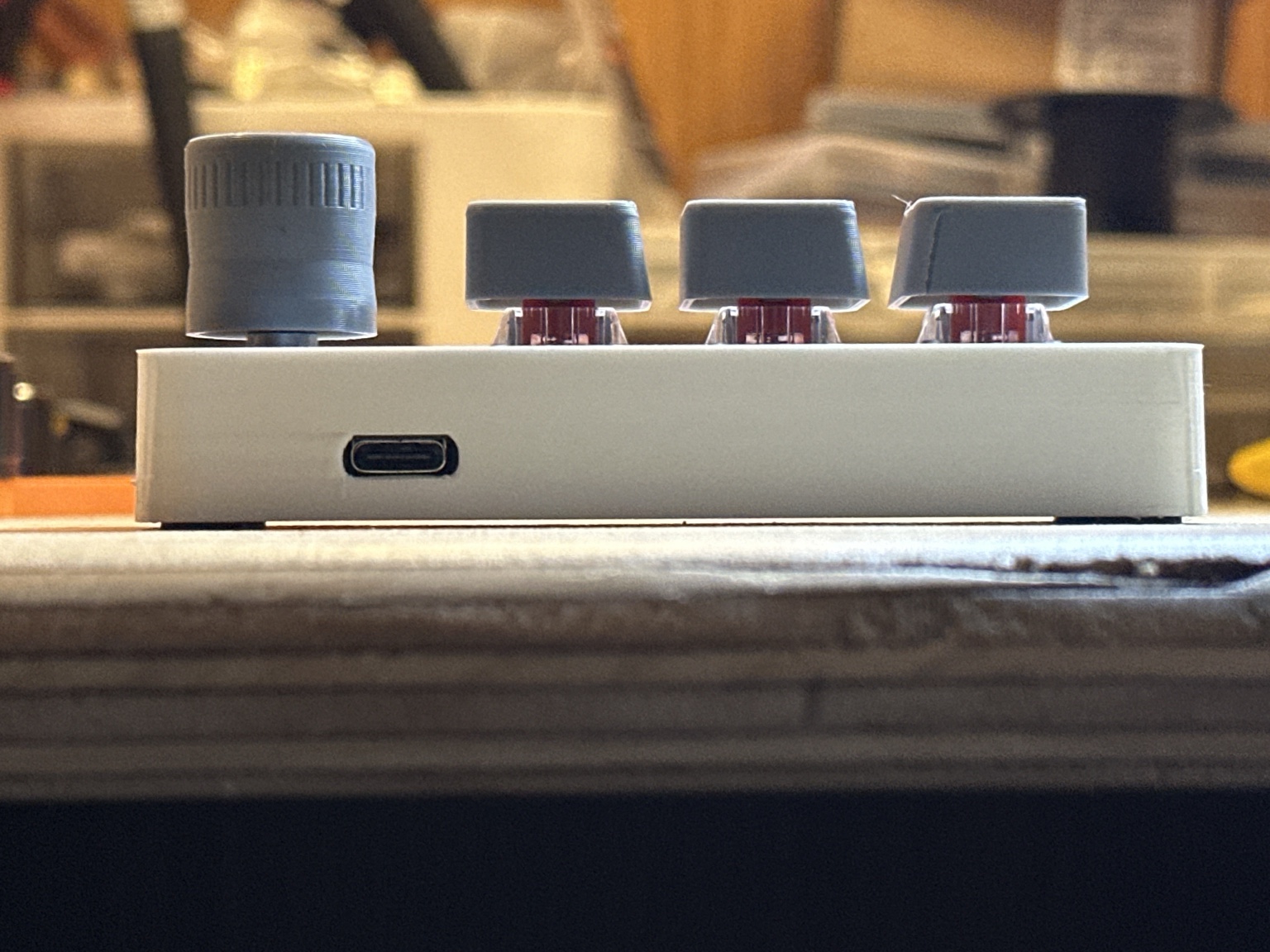
Start here
Questions
No. VisiDial controls Microsoft Windows Magnifier, which is built into supported versions of Windows.
No VisiDial account is required for normal use, and V1 is designed to operate without proprietary VisiDial software.
No. VisiDial V1 is a wired USB device. It does not use Bluetooth, batteries, or wireless pairing.
No. VisiDial V1 is Windows-first and is designed for Microsoft Windows Magnifier. macOS support is not part of V1.